
One workflow for video, slides and subtitles
Upload a recorded session and its slide deck. Get every language back in the speaker’s own cloned voice, with the slides translated, the subtitles editable, and the pacing already handled.
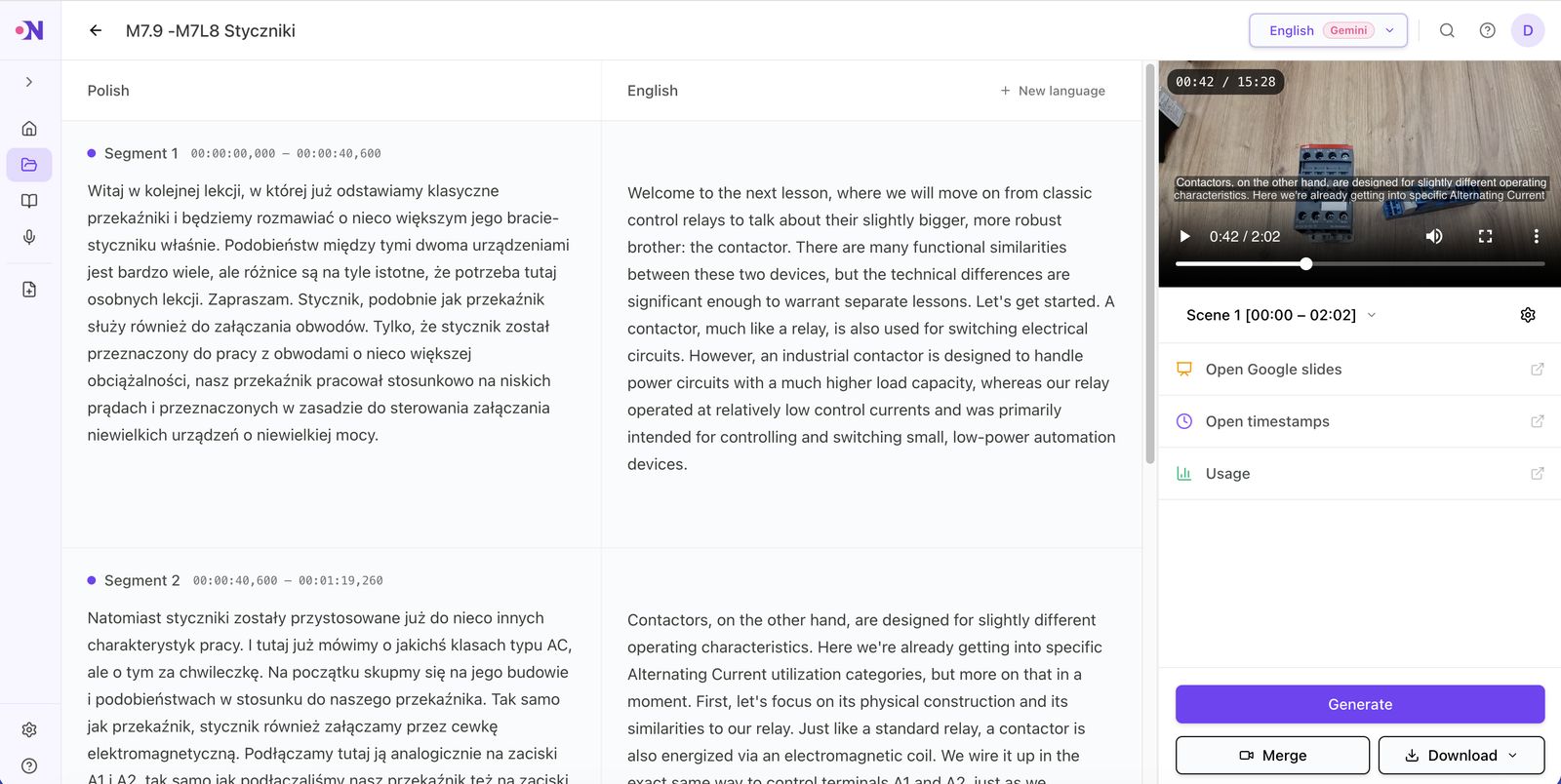
Four steps, and you are in control at each one
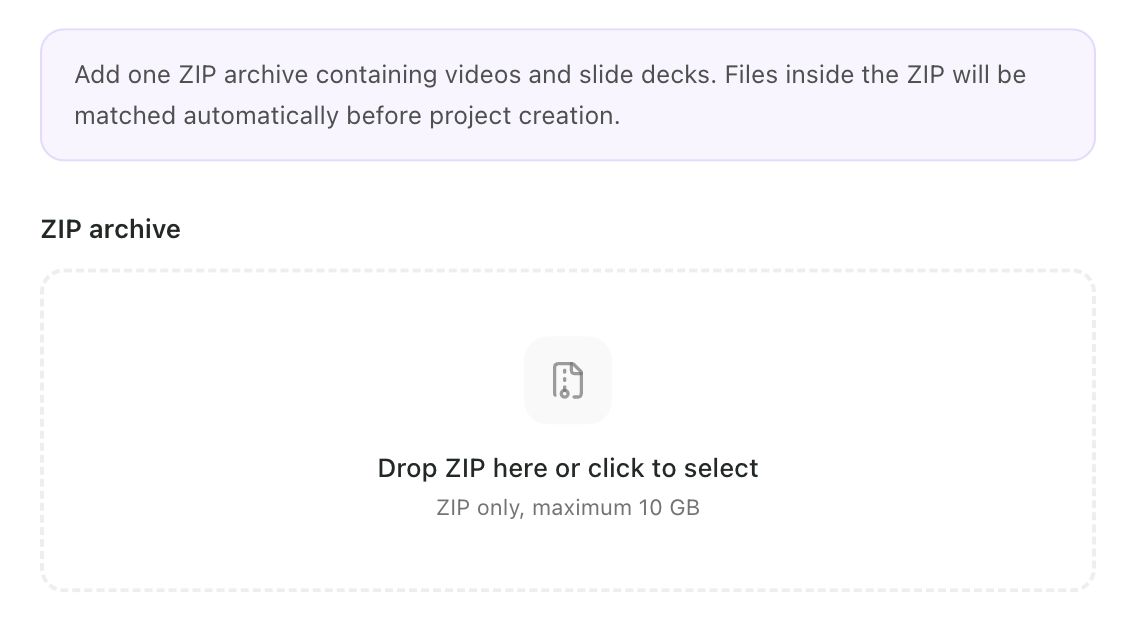
Upload video and slides
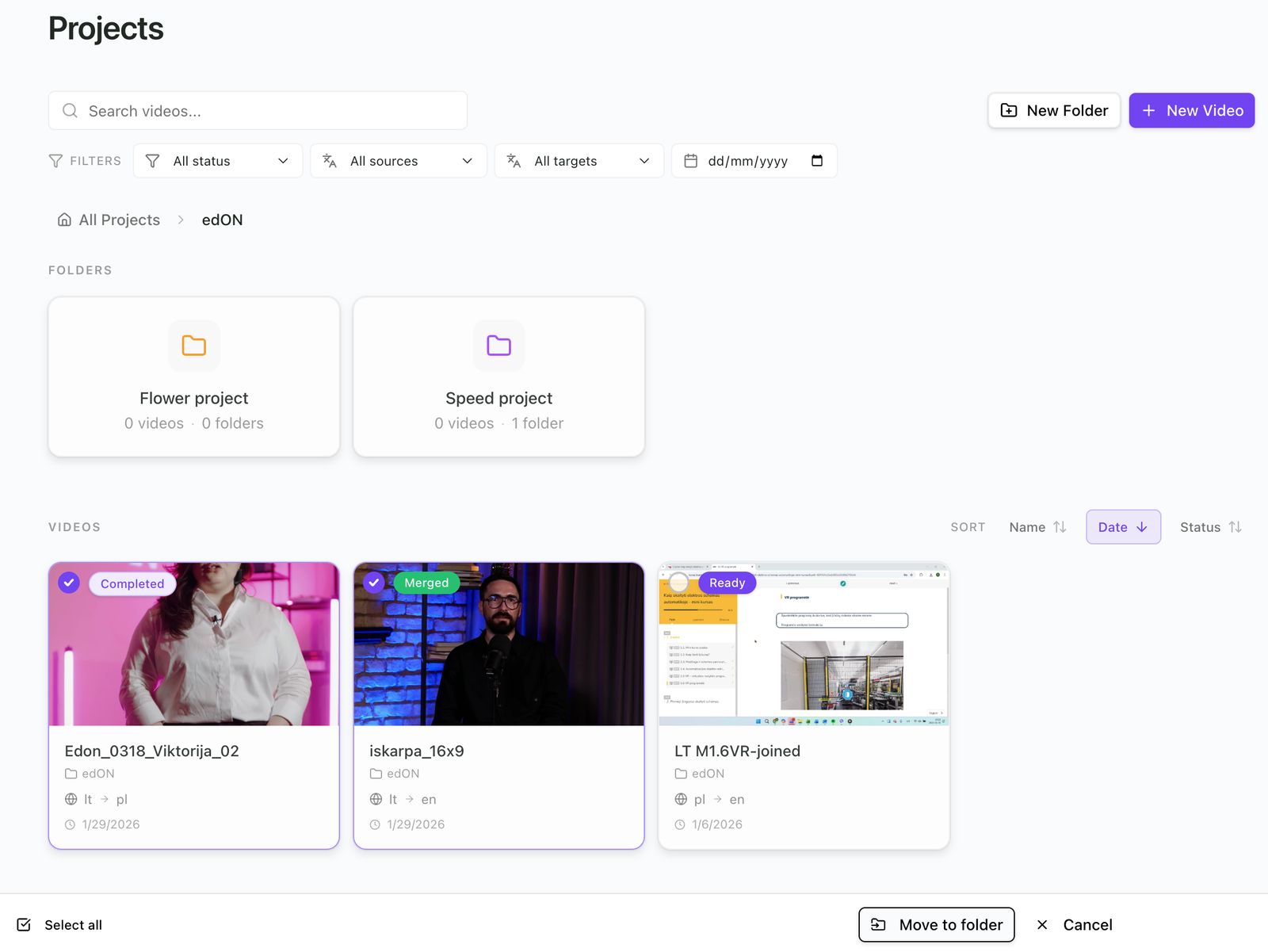
Upload one file or hundreds. Videos and slide decks are matched by filename, so a whole course lands in the right structure with no manual pairing. Group what belongs together into folders by course, site or language.
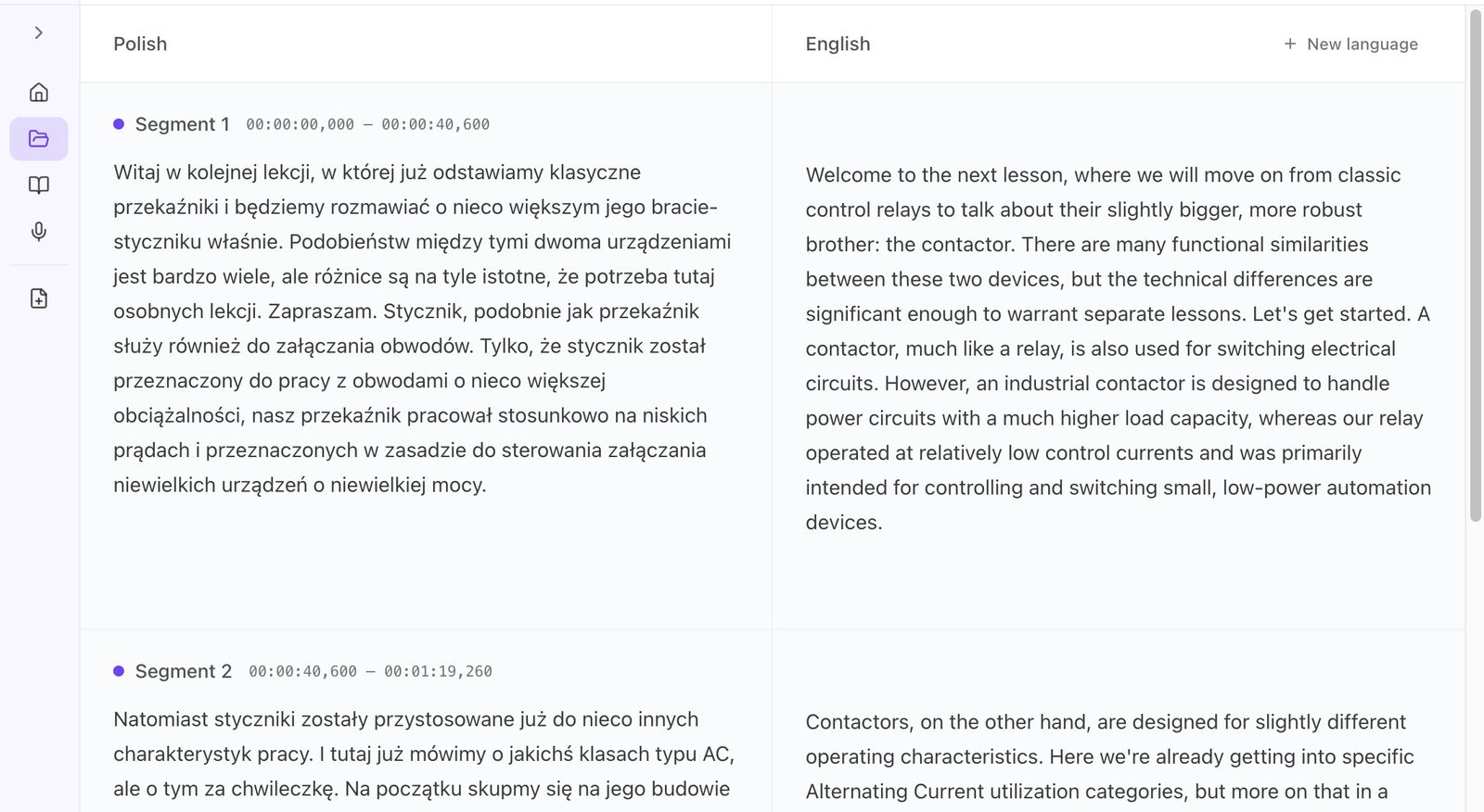
Translate speech, slides and subtitles
Speech is transcribed and translated. Slide text is translated with its layout and order intact. Subtitles are generated in the target language. Your glossary is applied across all three, and because they happen in one workflow, they stay in step with each other.
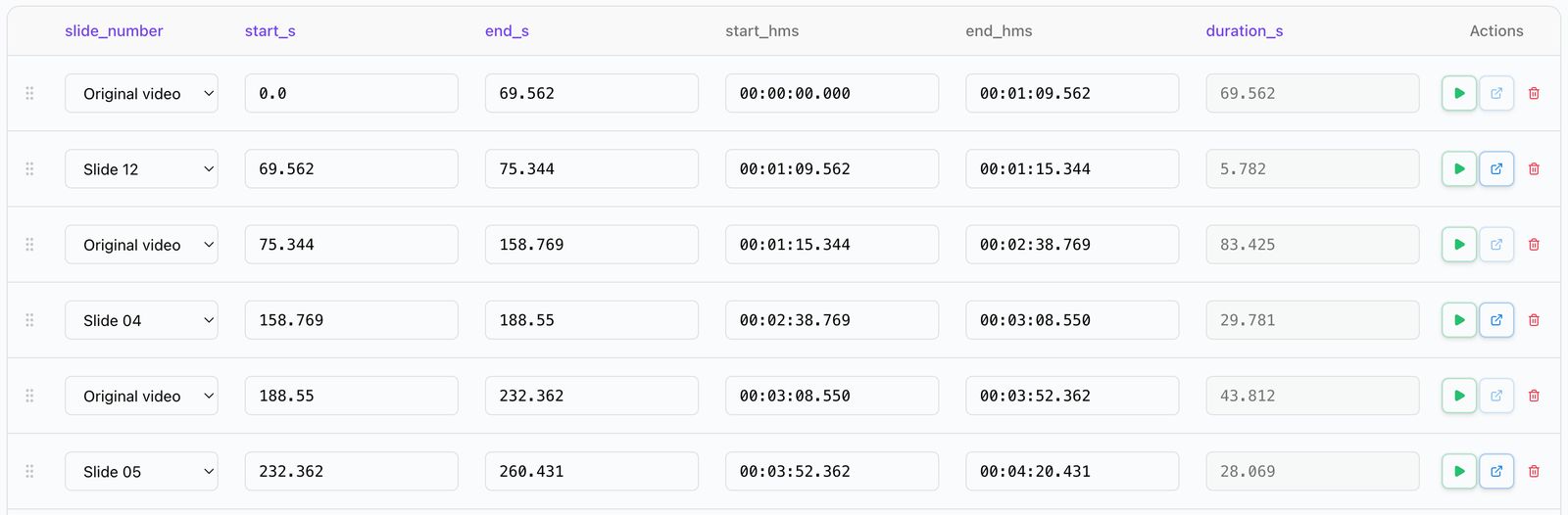
Control the flow and the emphasis
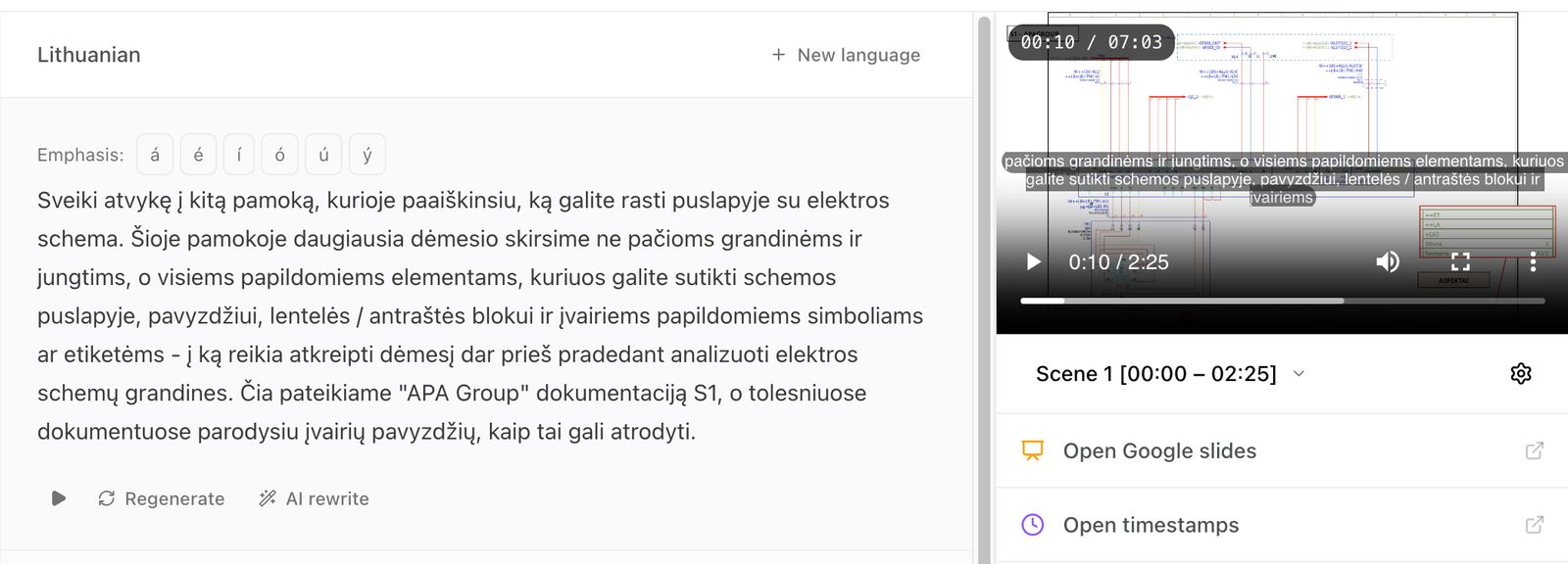
Choose when viewers see the speaker and when they see a slide. Set word emphasis so names, technical terms and key phrases land correctly in the translated voice rather than being read flat.
Edit, fine-tune and export
Edit the transcript, the subtitles and the timing. The translated voice regenerates from your edit, so a correction takes seconds rather than a new recording session. Export when it reads the way you want it to.
What is in the product today
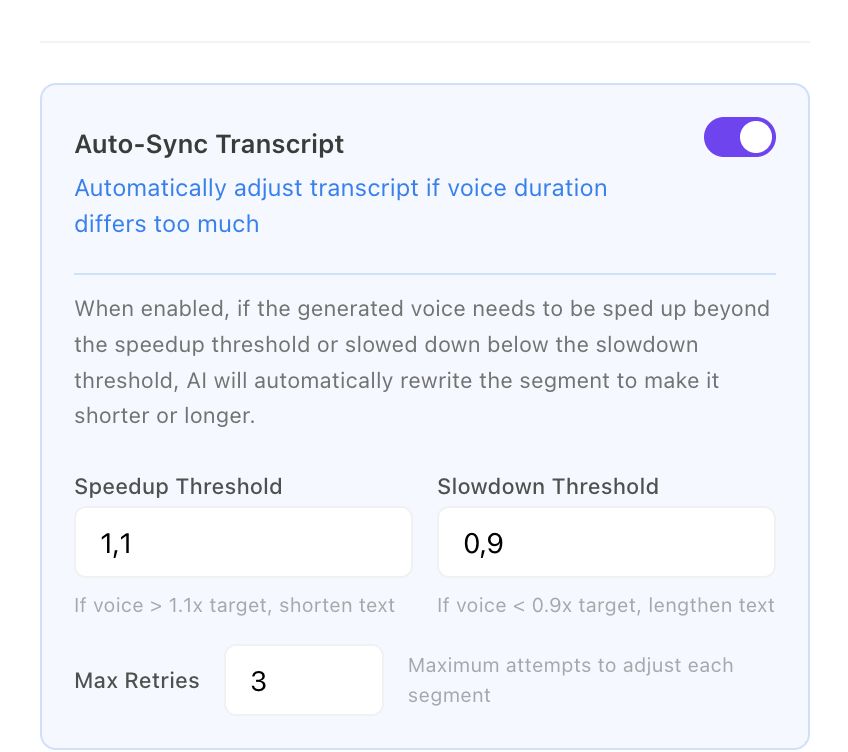
Voice cloning with multi-speaker support
The translated audio is generated in the speaker’s own voice, cloned from the recording you upload. Videos with several speakers are handled automatically, and each speaker keeps their own voice in every language.
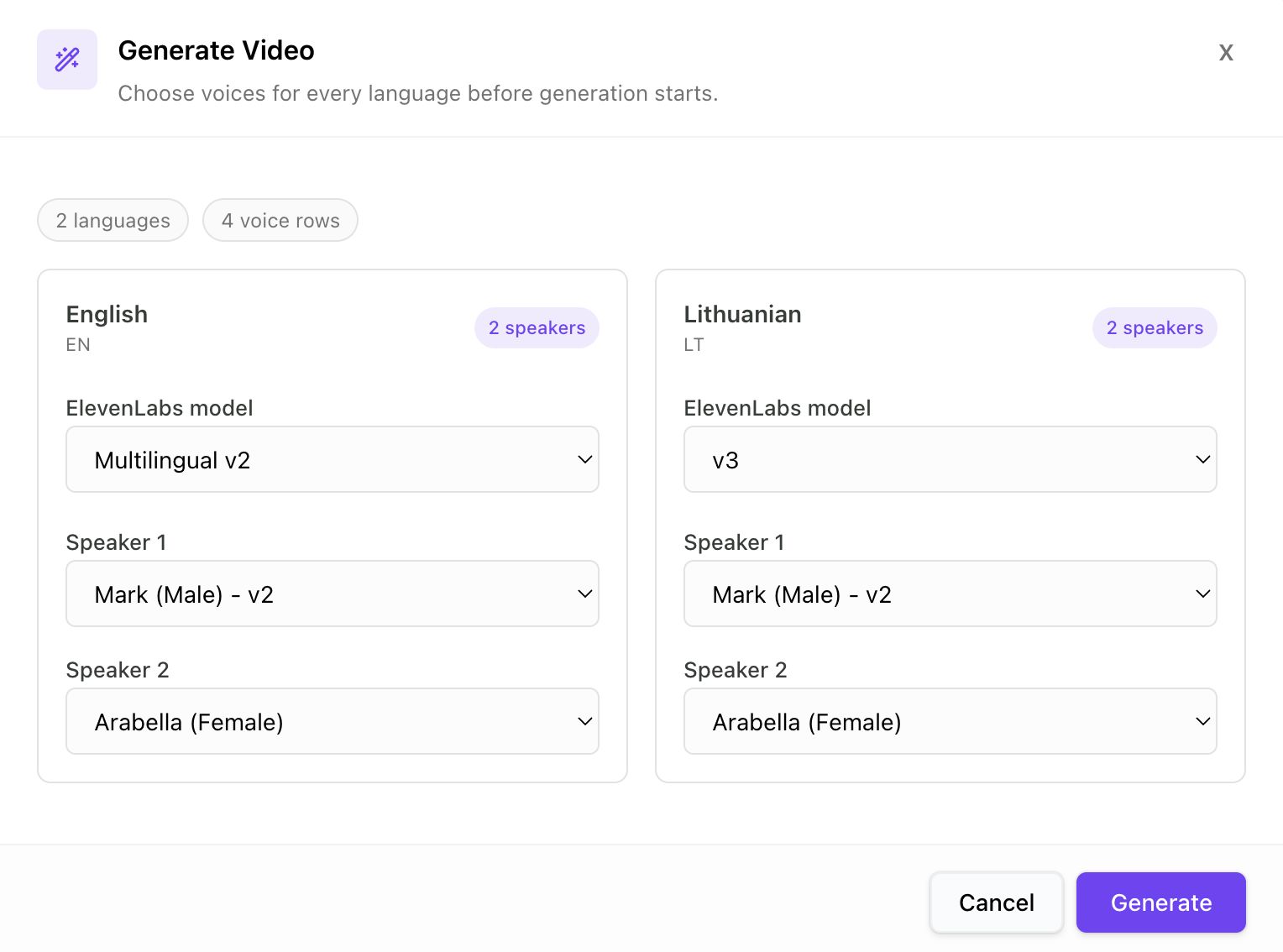
Speaking speed and pacing
Languages do not run at the same length. Speaking speed and video pacing are normalised automatically so the translated version plays smoothly, without rushed sentences or dead air.
Video or slide view control
Choose exactly when viewers see the original video and when they see the slides. The moments where the deck is the point stay on the deck.
Slide and speech translation with word emphasis
Slide text is translated with structure and order preserved. Speech is transcribed and translated, and you can stress specific words and phrases in the translated voice where the meaning depends on it.
Glossaries and terminology control
Load the terms that must not change and they are held through speech, slides and subtitles alike. The correct name for the part, the regulated phrase, the word your own people use on the floor: a glossary is the difference between a translation and your translation.
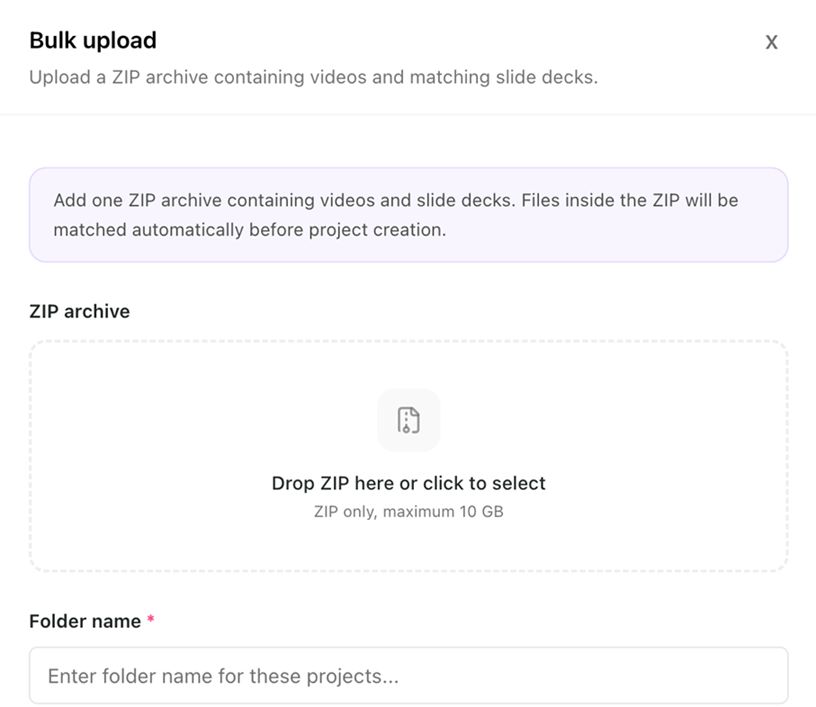
Bulk upload and auto-matching
Upload many videos and slide decks at once. They are matched by filename, so a back catalogue does not become a week of admin.
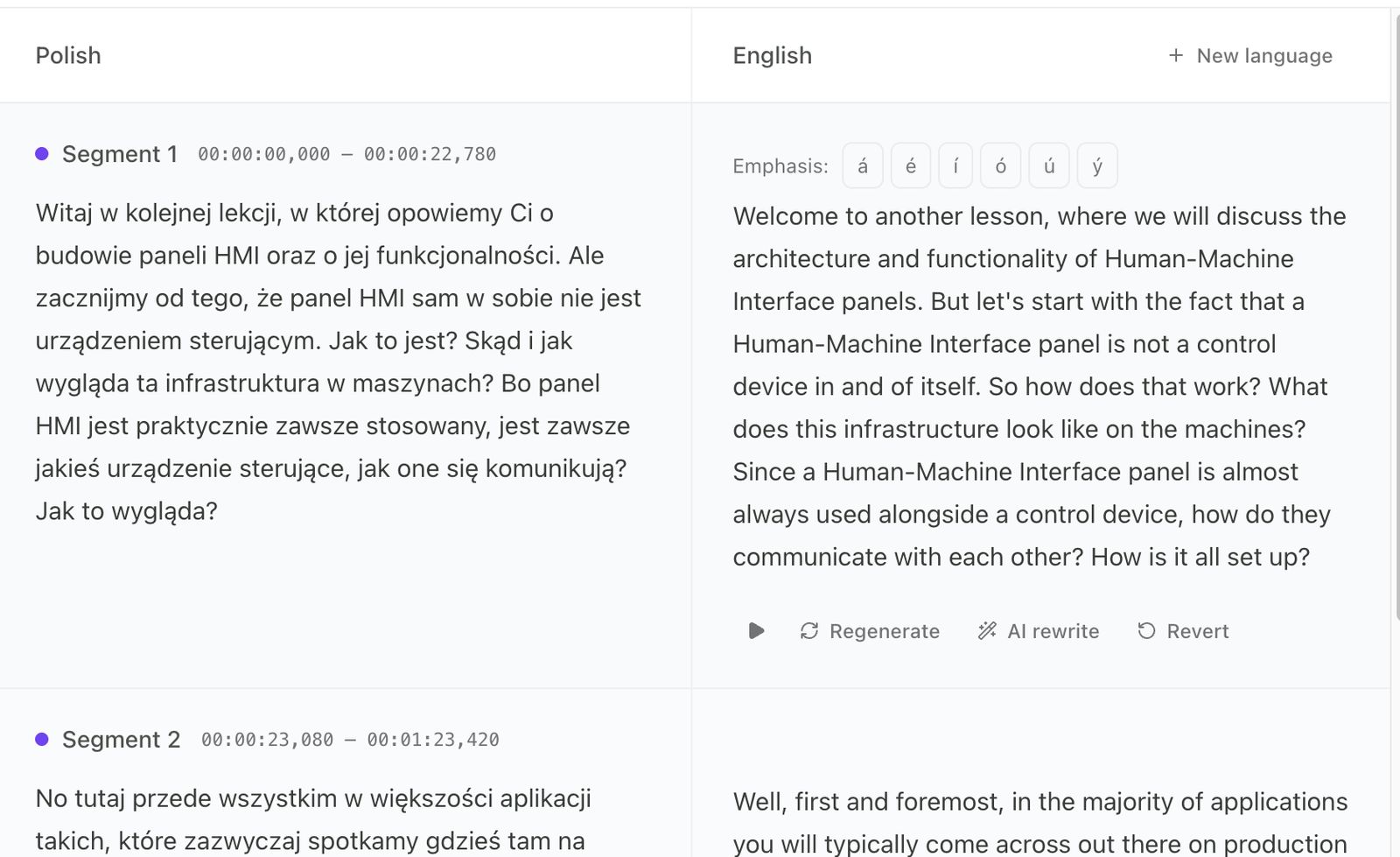
Subtitles and transcript editing
Subtitles are generated in the target language and are fully editable. Edit the transcript before export and the subtitles and the translated voice follow your change.
Folder management
Group related content into folders and manage projects in bulk, so a course with forty modules in six languages stays navigable.
Two questions worth asking before you commit
Which languages
Tell us the pair you actually need and we will confirm it against real content rather than a marketing list. The model layer moves faster than any page we could publish, so we would rather answer for your case than leave a stale table up.
Where it has to land
Video and subtitle files are exported so they can be loaded into a learning platform, an intranet or a publishing workflow. Tell us which system you use and we will confirm the format before you plan anything around it.
Security, in one glance
- An EU company, built for European rules first
- A Data Processing Agreement available on request
- Our subprocessors listed publicly, and updated before we add one
- Nothing exports until you have reviewed it
A demo on your video is worth more than a demo on ours
Our example is chosen to look good. Yours is the one you actually have to ship. Bring a real recording and its deck, and you will know inside half an hour whether this works for you.
Product questions
What does the translated voice sound like?
Like your speaker, if you want it to. The voice is cloned from the recording you upload and used for the translated audio, across every language, with multi-speaker support and word-level emphasis you control. Bring a real recording to a demo and judge it on your own material rather than on a claim on a web page.
Can I lock terminology with a glossary?
Yes. Load a glossary per project or per organisation and the terms in it are held through translation: product names stay themselves, regulated wording stays exact, and the word your people actually use beats the dictionary. Ask a generic translator for a cable tie in Lithuanian and you can get a five-word description of a plastic strap; your fitters say zateškė, and a glossary is how the translation says it too.
Does edon.ai translate both speech and slide text?
Yes. Spoken audio, subtitles and slide text are translated in the same workflow, so you do not need one tool for audio, another for captions and a third for the deck.
Can I control when slides appear instead of the video?
Yes. You decide when the original video is shown and when the slides are displayed. That matters for presentations, training modules and demos, where for long stretches the deck is what the viewer needs to be looking at.
Can I edit transcripts and subtitles?
Yes. Transcripts and subtitles are fully editable, and your change is reflected in the subtitles and in the translated voice.
Can I control pronunciation and word emphasis?
Yes. You can apply emphasis to specific words or phrases to get pronunciation, clarity and meaning right. It matters most for names, technical terms and the sentence someone has to remember.
Does edon.ai support videos with more than one speaker?
Yes. Multi-speaker videos are supported, and each translation stays aligned with the correct speaker.
Can I upload many videos and slide decks at once?
Yes. Bulk upload is supported, and videos are matched to slide decks by filename.
Can I export to my LMS?
Tell us which LMS you use and we will confirm the export format before you commit to anything. Video and subtitle files are exported so they can be loaded into a learning platform.
Which languages are supported?
Tell us the pair you need and we will confirm it. We would rather answer that question for your actual languages than publish a list that the model layer makes out of date.
See it run on your own recording
Thirty minutes, your video, your slide deck, your languages.